SFRA Migration Services: Transform Your Commerce Storefront

Introduction

If your business still runs on SiteGenesis, you're operating on a Salesforce Commerce Cloud architecture built for the desktop era. SiteGenesis now creates measurable business problems: declining mobile conversion rates, escalating maintenance costs, and limited access to Salesforce's newest commerce features.

With mobile devices driving 70% of global online orders during peak shopping periods, a desktop-first architecture actively leaks revenue every day it remains in production.

This guide walks you through what SFRA (Storefront Reference Architecture) is, how it compares to SiteGenesis, the migration process your team should follow, and the critical pitfalls that turn straightforward migrations into expensive remediation projects.

TLDR:

  • SFRA is Salesforce's mobile-first framework introduced in 2018, replacing the legacy SiteGenesis architecture
  • SiteGenesis receives only security patches; SFRA unlocks AI, headless commerce, and platform innovations
  • Migration typically takes 6 weeks to 6 months depending on customization complexity
  • Full SFRA rebuild (not parallel architecture) delivers cleaner code and sustainable growth
  • SFRA bridges the gap to headless commerce, making future PWA Kit adoption far simpler

What Is SFRA? Understanding Salesforce Storefront Reference Architecture

Salesforce introduced the Storefront Reference Architecture (SFRA) in 2018 as the modern, mobile-first framework for building storefronts on Salesforce Commerce Cloud. It directly replaces SiteGenesis, which Salesforce has officially moved to legacy status.

Salesforce engineered SFRA after analysing over 2,000 mobile storefronts to identify optimal UX patterns and reduce friction across the mobile shopping journey. Unlike SiteGenesis, which requires developers to override core platform code for customisations, SFRA uses a cartridge-based extension model that lets teams add functionality without touching the base layer.

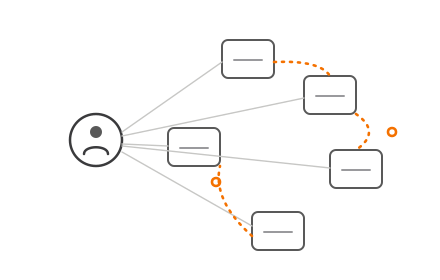
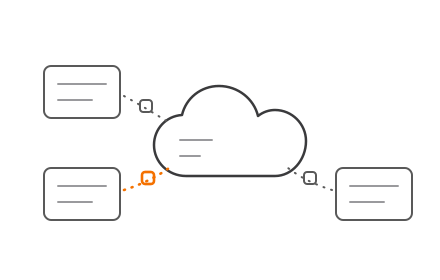
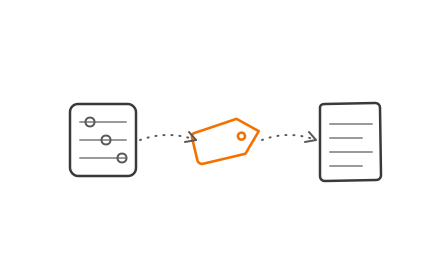
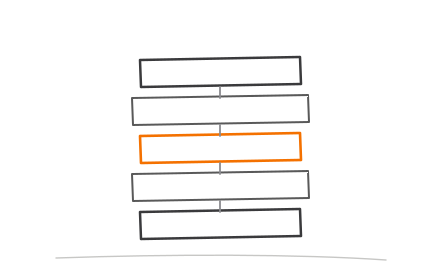
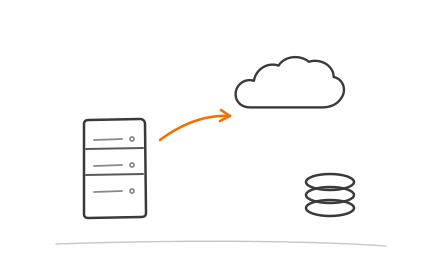
SFRA cartridge stack extension model layered architecture diagram

How the Cartridge Extension Model Works

The architecture relies on a "cartridge stack" where the base cartridge (app_storefront_base) contains core functionality. Custom or third-party cartridges are layered over it in Business Manager. The system searches the cartridge path from left to right — placing custom cartridges to the left lets them cleanly override base functionality without altering core code.

This architecture makes future Salesforce platform updates significantly less disruptive. When Salesforce releases new features or security patches, your customisations remain intact because they exist as overlays, not modifications to the core codebase.

MVC Architecture and Modularity

The component-based Model-View-Controller (MVC) architecture uses JavaScript controllers and the Bootstrap 4 UI framework. This modularity lets developers build new components independently and plug them into the storefront without rewriting adjacent functionality.

The MVC structure separates business logic (Model), user interface (View), and request handling (Controller), making storefronts easier to build, test, and maintain compared to SiteGenesis's monolithic architecture.

Built-In SFRA Capabilities

SFRA ships with a strong set of out-of-the-box capabilities that go well beyond visual improvements:

  • Native mobile-first UX with responsive templates
  • Built-in accessibility standards and SEO optimisation
  • Compatibility with Salesforce's evolving Commerce Cloud feature set
  • Einstein AI-powered product recommendations
  • Headless commerce options via PWA Kit
  • Ongoing platform support and security updates

This is the architectural foundation that positions your storefront for Salesforce's newest innovations — not just today, but as the platform continues to evolve.

SiteGenesis vs. SFRA: Why Your Current Architecture Is Falling Behind

SiteGenesis was designed for a desktop-first world. It lacks native mobile web support, meaning any mobile experience requires significant workarounds that add cost and fragility to your storefront.

Core Architectural Difference

SiteGenesis requires developers to override or replace existing core code to add features. This creates compounding technical debt over time—every customization increases the risk that future platform updates will break your site. SFRA's extension-first model avoids this entirely by allowing developers to layer customizations on top of the base cartridge without modifying it.

The Maintenance Burden

Salesforce has stopped active development on SiteGenesis. It receives only essential security and bug fixes—no new features. Every platform update risks breaking custom code because SiteGenesis customizations are tightly coupled to core functionality.

Technical debt costs U.S. enterprises $2.41 trillion annually, according to Accenture, and leading companies allocate roughly 15% of their IT budgets toward remediation. Staying on SiteGenesis means paying that "interest" in developer hours spent patching brittle code instead of building revenue-generating features.

Performance and User Experience Gap

Mobile conversion rates consistently lag behind desktop. Between April 2023 and April 2024, mobile conversion rates hovered around 3.0%, compared to 4.4% on desktop. Mobile also faces an 85% cart abandonment rate versus 75% on desktop.

SFRA-built storefronts close this gap with faster page loads and a mobile-first architecture. According to Google and Deloitte research, a 0.1-second improvement in mobile site speed can increase retail conversions by 8.4%—and a 100-millisecond delay pulls conversions in the other direction by 7%.

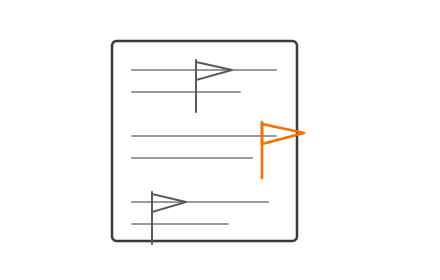
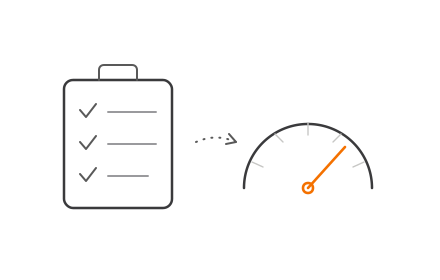
Mobile versus desktop conversion rate and cart abandonment comparison statistics infographic

Falling Behind on Innovation

Salesforce has redirected its roadmap investment toward SFRA and PWA Kit (headless). SiteGenesis users receive no new capabilities—only the occasional security patch.

Modern SFCC features that require SFRA as a foundation include:

  • Einstein AI product recommendations
  • Subscription commerce
  • PWA Kit (headless) compatibility
  • Ongoing platform security updates beyond critical fixes

If any of these are on your roadmap, staying on SiteGenesis isn't a viable path forward.

Who Should Consider Migrating to SFRA?

SFRA migration is most urgent for SiteGenesis users already hitting operational friction. Common triggers include:

  • Declining mobile conversions due to outdated storefront architecture
  • Slow site performance or failing Core Web Vitals scores
  • Inability to configure products without developer involvement
  • Escalating costs to maintain aging custom features

Business Scenarios That Make Migration Timely

SFRA migration should align with strategic business initiatives rather than being executed as an isolated IT exercise. Ideal timing includes:

  • Site redesigns — If you're planning a visual refresh, migrate the architecture simultaneously to avoid two separate projects
  • Regional expansion — Rolling out multi-country or multi-realm architectures
  • Rebranding projects — Major brand updates provide natural cover for platform modernization
  • New SFCC feature adoption — Implementing Einstein AI, subscription commerce, or modern payment gateways that no longer support SiteGenesis
  • Performance remediation — Failing to meet Core Web Vitals or mobile page-speed targets

B2B and B2C Commerce Models

SFRA works for both B2B and B2C commerce models, making it a viable path for a wide range of Salesforce Commerce Cloud customers—from mid-market retailers to global enterprises. The framework's modularity handles complex B2B requirements — custom pricing, account hierarchies, and approval workflows — with the same confidence it brings to high-volume B2C storefronts.

How SFRA Migration Works: Two Approaches Explained

Approach 1: Running SiteGenesis and SFRA in Parallel

This approach keeps both architectures active, treating cartridges separately. While it may seem lower risk initially, it creates significant problems:

  • Coordinating data and session management between two architectures adds integration complexity
  • Shoppers encounter mismatched UX patterns as they move between SiteGenesis and SFRA pages
  • Your team must maintain two codebases simultaneously
  • Session bridging, cart sync, and authentication handoffs each introduce failure points

Approach 2: Full Rebuild on SFRA (Recommended)

A complete rebuild using SFRA as the single architecture is the preferred approach. It delivers:

  • Uniform user experience — Consistent UX patterns across all pages
  • Cleaner codebase — No legacy code or architectural compromises
  • Simpler QA — Testing one architecture instead of two
  • Sustainable foundation — Future enhancements build on modern patterns, not legacy workarounds

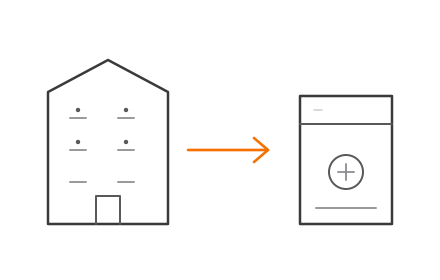
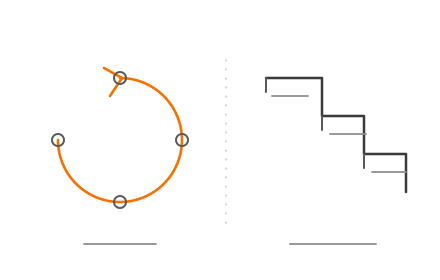
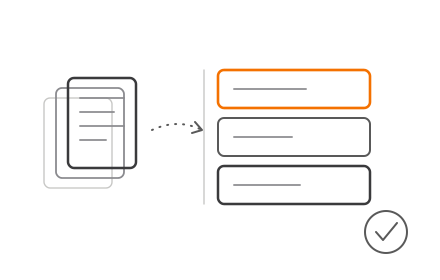
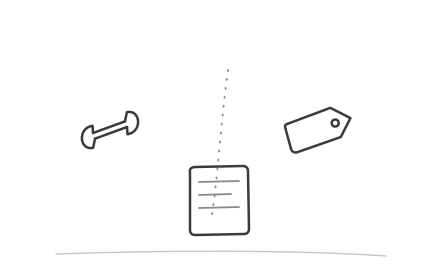
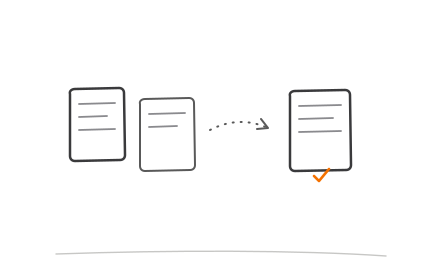
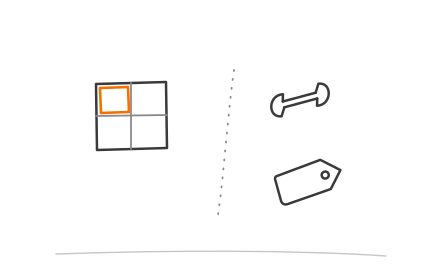
Parallel SiteGenesis SFRA architecture versus full SFRA rebuild side-by-side comparison

While a full rebuild requires more upfront planning, it eliminates the technical debt and operational complexity of parallel architectures.

Once you commit to a full SFRA rebuild, the migration follows a structured four-step process.

What the Migration Process Involves

Step 1: Audit

Review all existing SiteGenesis code, custom cartridges, third-party integrations, and content to understand the full scope of what must be rebuilt or migrated. This audit identifies:

  • Custom features and business logic
  • Third-party LINK cartridges and integrations
  • Payment gateways, loyalty systems, ERP connections
  • Marketing tools and analytics implementations
  • SEO elements including URL structures, metadata, and sitemaps

Step 2: Data Migration Strategy

Plan how customer data, product catalogs, order history, and content assets will transfer to the new SFRA storefront without disruption. This includes:

  • Mapping data dependencies between systems
  • Defining cutover timing to minimize downtime
  • Planning URL redirect strategies to preserve SEO equity
  • Ensuring data accuracy and completeness post-migration

Step 3: SFRA Build and Customization

Develop the new storefront using SFRA's extension model. Rebuild required features using SFRA patterns — not SiteGenesis code ported over directly. Codiot's Salesforce development team handles this phase with expertise in SFCC architecture, ensuring customizations follow cartridge overlay best practices and remain upgrade-compatible.

Two patterns are central to clean SFRA customization: use module.superModule to import and extend base controller functionality, and use server.append to add middleware chain steps without breaking original logic.

Step 4: Testing and Go-Live

Conduct layered testing before cutover:

  • Functional testing — Validate all features work as designed
  • Performance testing — Measure page load times and Core Web Vitals
  • Mobile UX testing — Ensure mobile experiences meet conversion benchmarks
  • UAT (User Acceptance Testing) — Confirm business stakeholders approve the new storefront

Migration timelines typically range from 6 weeks to 6 months depending on storefront complexity and customization depth.

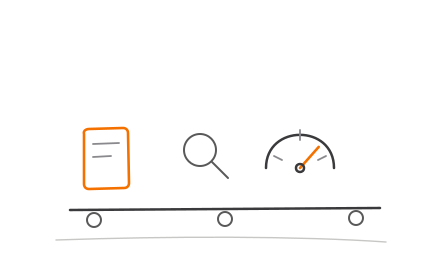
4-step SFRA migration process flow from audit to go-live launch

Key Pitfalls to Avoid During SFRA Migration

Don't Port SiteGenesis Code Directly

The most critical mistake is attempting to port or combine SiteGenesis code directly into SFRA. While technically possible to run both architectures simultaneously, this short-cut approach bypasses SFRA's design patterns and results in a storefront that's just as hard to maintain as the original.

All features should be rebuilt using SFRA's cartridge extension model. This ensures a clean, consistent experience and avoids the integration bugs and testing failures caused by mixing legacy pipelines with modern MVC controllers.

Don't Underestimate Third-Party Integration Complexity

Payment gateways, loyalty systems, ERP connections, and marketing tools all need to be re-integrated and tested. Incomplete discovery here is a leading cause of delays and post-launch issues.

Many third-party vendors have released updated LINK cartridges specifically designed for SFRA. Using these pre-built integrations reduces development time and ensures compatibility with SFRA's architecture.

Don't Treat Mobile and Performance Testing as an Afterthought

Migrating to SFRA specifically for its mobile-first benefits means mobile UX and page speed must be validated thoroughly before go-live. Before launch, confirm:

  • Real-device testing across iOS and Android
  • Core Web Vitals scores meet acceptable thresholds
  • Mobile conversion funnels work end-to-end without drop-offs

Also inspect sitemap definitions, robots.txt files, and URL redirect strategies to avoid traffic drops post-launch. SFRA includes URL generation features and SEO-friendly text capabilities—use them.

From SFRA to Headless: Building a Future-Ready Commerce Stack

While SFRA is a major architectural leap forward, it still operates as a coupled architecture—the front-end and back-end are managed within SFCC. Headless commerce, such as Salesforce's PWA Kit (Composable Storefront), fully decouples the front-end, giving teams greater creative and performance control.

SFRA as a Stepping Stone to Headless

Migrating to SFRA is a natural strategic stepping stone toward headless. It modernizes the back-end commerce logic, data structures, and integrations in a way that makes a future transition to headless far smoother. Businesses that skip SFRA and attempt headless directly from SiteGenesis face far greater complexity.

Salesforce officially supports "phased headless rollouts" (hybrid implementations), allowing SFRA and PWA Kit to coexist. For example, you can deploy highly interactive Product Detail Pages (PDPs) using PWA Kit while keeping the secure checkout flow on SFRA.

This is achieved using session bridging and Hybrid Authentication, ensuring shoppers move seamlessly between coupled and headless pages without losing cart data.

When to Go Headless

Avoid jumping straight from SiteGenesis to a full headless build. A phased approach reduces risk and accelerates ROI:

  1. Upgrade to SFRA to stabilize back-end commerce logic and checkout
  2. Introduce PWA Kit incrementally via Hybrid Authentication on high-traffic pages, such as product listing and detail pages where UI flexibility matters most
  3. Set a firm cutover date to reach a 100% Composable Storefront before hybrid complexity compounds

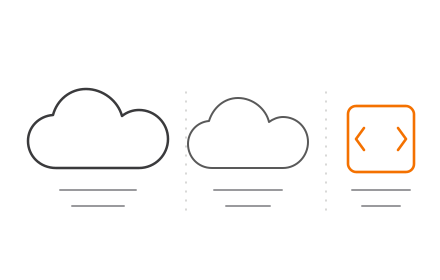
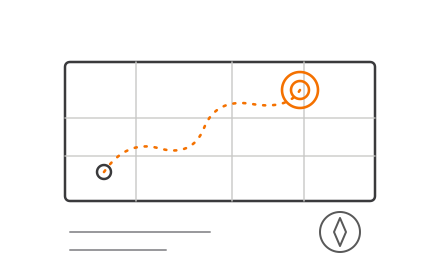
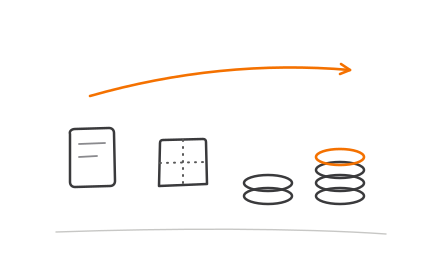
Three-phase SiteGenesis to SFRA to headless PWA Kit migration roadmap timeline

While hybrid mode accelerates time-to-market for headless features, Salesforce warns that the longer a site remains in hybrid mode, the higher the operating complexity. That's why the phased steps above include a hard deadline — not an open-ended roadmap.

Frequently Asked Questions

What is SFRA in Salesforce?

SFRA (Storefront Reference Architecture) is Salesforce's modern, mobile-first framework for building storefronts on Salesforce Commerce Cloud. Introduced in 2018, it replaces SiteGenesis with a more modular, maintainable architecture built to accommodate future platform updates.

How does SFRA work?

SFRA uses an MVC architecture and a cartridge-based extension model. Developers add or modify storefront functionality by extending—not overriding—the core platform code. This reduces maintenance friction and preserves upgrade compatibility with future Salesforce releases.

What is the difference between SiteGenesis and SFRA?

SiteGenesis was designed for desktop and requires code overrides for customization, creating technical debt. SFRA is mobile-first and uses an extension model that makes the storefront easier to update, maintain, and scale. Salesforce no longer actively develops SiteGenesis, providing only security patches.

What is the difference between headless and SFRA?

SFRA is a coupled architecture where the front-end and back-end are managed within SFCC. Headless (such as PWA Kit) fully decouples the front-end from the commerce engine, offering greater flexibility. SFRA migration is the recommended first step before going headless.

How long does an SFRA migration take?

Timelines vary based on storefront complexity, number of custom features, and third-party integrations. Typical projects range from 6 weeks for simpler sites to 6+ months for large, heavily customized storefronts with significant legacy code or localization requirements.