Aligning Salesforce Implementation with Core Business Processes

Introduction

Businesses invest heavily in Salesforce licenses and setup, yet 55% of CRM implementations fail to meet their planned objectives—not because of platform limitations, but because configurations were built around default workflows rather than how the business actually operates. This misalignment forces sales teams to navigate clunky interfaces, service agents to create manual workarounds, and executives to question why their expensive CRM isn't delivering promised ROI.

Process alignment means mapping your existing and desired workflows first, then shaping Salesforce to reflect them—not the reverse. When done right, properly aligned deployments deliver up to 354% ROI over three years. This guide walks through how to get there: from process mapping and BPM stages to common pitfalls and long-term best practices.

TLDR:

  • 55% of CRM implementations fail due to poor process alignment, not technology limitations
  • Proper alignment delivers up to 354% ROI by matching Salesforce to how your business actually runs
  • Map your sales, service, and marketing processes before configuring Salesforce
  • Follow the five BPM stages: Design, Model, Execute, Monitor, and Optimize
  • Partner-led implementations achieve 25-35% higher first-year ROI than DIY approaches

Why Aligning Salesforce with Business Processes Matters

Out-of-the-box Salesforce is a framework, not a finished solution. It makes assumptions about sales stages, service workflows, and lead routing that rarely match how your team actually closes deals or resolves tickets. The platform provides standard objects like Lead, Opportunity, and Case, but these are templates—not turnkey processes designed for your specific business logic.

The cost of misalignment is severe. When Salesforce configurations don't mirror real workflows, user adoption plummets. Sales reps waste 27% of their time dealing with bad data, costing approximately ₹26,50,000 per rep annually. Unused licenses increase recurring subscription costs without delivering value. 31% of CRM admins report that poor-quality data leads to at least a 20% loss in annual revenue.

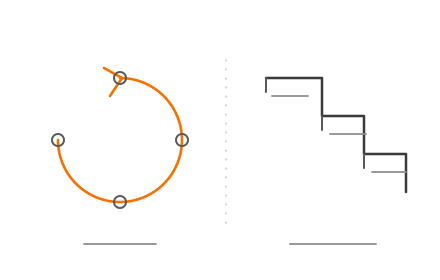
CRM misalignment cost statistics showing data quality and revenue loss impact

Alignment means the platform faithfully reflects your business logic—capturing how deals actually progress through your pipeline, how support tickets get escalated, or how leads get qualified. Process improvement comes later, once the baseline is stable and you can identify bottlenecks with reliable data.

When the CRM mirrors real workflows, three things follow:

  • Teams adopt the system because it matches how they work, not how the software assumes they work
  • Data quality improves because fields and stages make sense to the people entering them
  • Reporting reflects actual business performance rather than what the system forces users to enter

For industries with non-standard sales cycles or compliance requirements—finance, private lending, investment management—misaligned defaults create regulatory exposure, not just inefficiency. In India, financial firms must comply with SEBI's record-keeping mandates and RBI data governance guidelines. A Salesforce configuration that doesn't account for these requirements can leave audit trails incomplete and compliance documentation unreliable.

Identifying the Core Business Processes for Salesforce Implementation

The three primary process domains that Salesforce serves are sales process (lead-to-close), service process (case management and resolution), and marketing process (lead generation and nurturing). Identifying which of these you're implementing determines the scope of mapping required.

Core Process Domains:

  • Lead-to-Close (Sales Cloud): Lead conversion transforms a Lead record into Account, Contact, and Opportunity objects, with handoffs to Salesforce CPQ for quoting
  • Case Management (Service Cloud): Automation routes cases to the right agent via assignment rules, escalation rules, and auto-response, with SLA tracking through Entitlement Management
  • Lead Nurturing (Marketing Cloud/Pardot): Engagement Studio automates campaigns with conditional steps based on prospect behavior, syncing qualified prospects to Salesforce as Leads or Contacts

To document your current-state process, conduct process discovery workshops with department leads. Capture swim-lane diagrams or process flow maps that identify where handoffs occur, where bottlenecks slow progress, and where data gaps exist. This must happen before any Salesforce configuration begins.

Map the desired future-state process alongside the current state. This gap analysis becomes the blueprint for Salesforce configuration decisions—determining which standard objects to use, which custom objects to build, and which automation rules to define. Without this blueprint, you're configuring blind.

Even with a clear blueprint, teams often overlook revenue-adjacent processes during scoping: contract management, approval workflows, quote generation, and partner or channel management. Failing to include these leads to costly re-implementation later. Poorly scoped projects experience 50-200% budget overruns, with unexpected scope expansions increasing costs by 15-20%.

For SMEs and startups especially, overmapping can be as damaging as undermapping. The goal is to identify the 3-5 core processes that drive revenue and customer satisfaction, and align those first before expanding scope.

The BPM Stages in a Salesforce Implementation

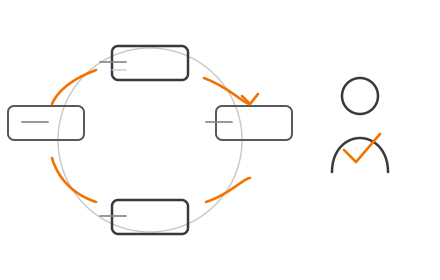
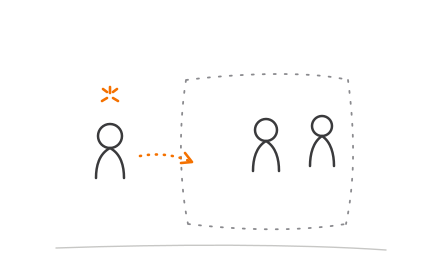
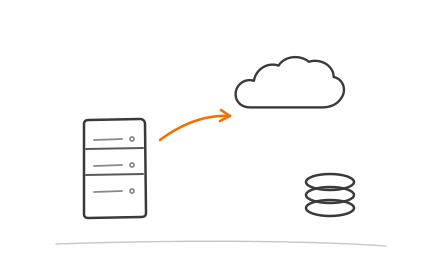
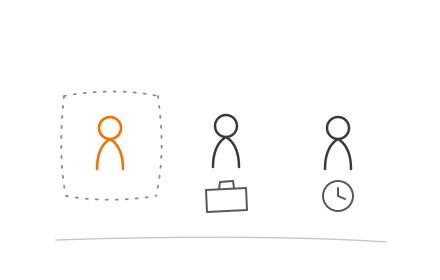
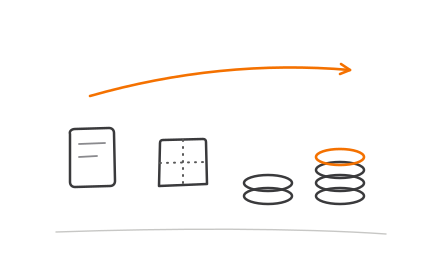
Salesforce implementations map directly onto five BPM stages: Design, Model, Execute, Monitor, and Optimize. These form iterative cycles that continue long after go-live — not one-time waterfall phases.

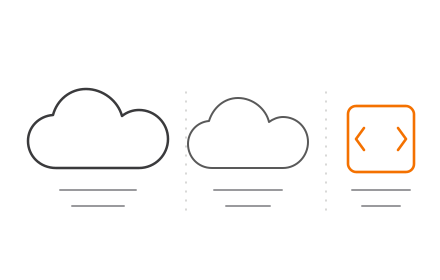
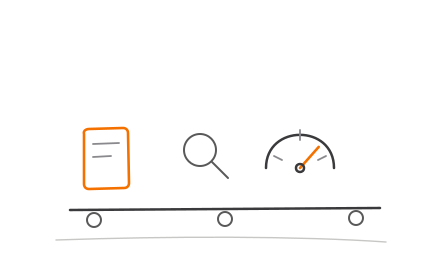
Five BPM stages of Salesforce implementation process flow diagram

Design Stage

This is where business requirements are translated into Salesforce process logic—defining objects, record types, page layouts, user roles, and data fields based on mapped processes. This stage should involve both business stakeholders and technical architects. Without stakeholder input, you risk building a system that works for management reporting but frustrates the teams using it daily.

Model Stage

The process is built out in a sandbox environment using Salesforce's configuration tools: Flow Builder, validation rules, and approval processes. Note: Salesforce officially ended support for Workflow Rules and Process Builder on December 31, 2025. Organizations must migrate existing automations to Flow Builder using the "Migrate to Flow" tool.

This stage is where the gap between default configurations and real business logic becomes most visible. Partners with cross-industry Salesforce experience — like Codiot — can model complex, industry-specific workflows that out-of-the-box setups simply won't reflect.

Execute Stage

Deployment to production includes data migration, user permission setup, and training. Execution without change management—communicating the "why" behind new workflows to end users—is a leading cause of low adoption. When workflows feel disconnected from daily operations, licensed users disengage while costs remain fixed.

Monitor Stage

Salesforce dashboards and reports confirm whether processes are running as designed. Key indicators to track include:

  • Pipeline velocity — measures how quickly deals move through stages
  • Case resolution times — flags bottlenecks in service workflows
  • Lead conversion rates — signals whether marketing-to-sales handoffs are working

Without this layer, you can't identify where the system has diverged from intended behavior.

Optimize Stage

Use monitored data to identify process friction, then update Salesforce configuration accordingly. Salesforce delivers three seasonal releases every year—Spring in February, Summer in June, and Winter in October. Sandbox preview starts 4-6 weeks before production upgrade, providing a natural checkpoint for reviewing and optimizing aligned processes.

The Four Pillars of Salesforce Implementation

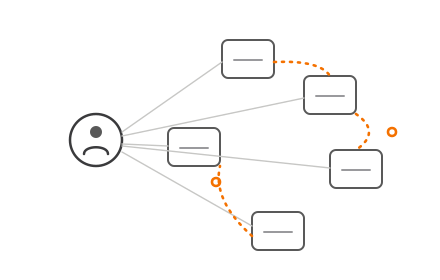
Four foundational dimensions must each be addressed for a Salesforce implementation to succeed: People, Process, Technology, and Data.

People

Adoption starts with people. Stakeholder buy-in and clear ownership of the Salesforce org determine whether end-users actually embrace the platform — or work around it. Change management is the decisive factor in whether employees adopt Salesforce technology. Without this pillar, even perfectly configured workflows go unused.

Process

Salesforce must be configured to fit your processes — not the other way around. The process mapping work covered earlier feeds directly into this pillar, defining exactly what Salesforce should reflect before a single field is built. This is the core principle behind alignment-first implementation.

Technology

This pillar covers product selection — choosing between Sales Cloud, Service Cloud, or other modules — and integration with existing systems. Standard Salesforce objects should be used wherever possible to ensure smooth compatibility with future platform updates.

Data

Data quality, migration hygiene, and ongoing governance determine whether the CRM is trustworthy. Poor data quality costs organizations an average of ₹107 crore annually, and most enterprises operate with duplicate rates of 20–30%.

Without the right controls in place, the CRM becomes unreliable for AI-driven forecasting and revenue reporting. Key safeguards include:

  • Validation rules to enforce data entry standards at the source
  • Automated deduplication to control record quality at scale
  • Assigned data stewardship roles for ongoing accountability

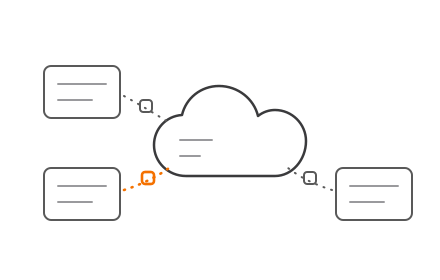
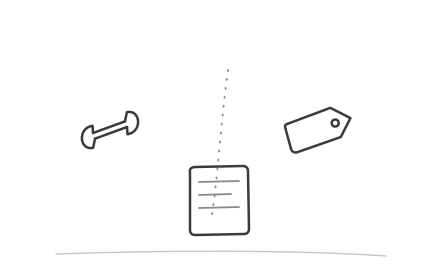
Four pillars of Salesforce implementation people process technology and data

Common Misalignment Pitfalls and How to Avoid Them

Over-Customization Trap

Teams sometimes build complex custom objects and Apex code to replicate legacy system behavior in Salesforce, rather than re-examining whether the legacy process itself needs to change. This instinct to preserve the familiar is costly.

For every dollar invested in custom development, an estimated $34 of technical debt is generated. That debt compounds over time, forcing CIOs to divert 10–20% of their innovation budgets to resolving legacy issues instead of moving forward.

Skipping Process Discovery

A common scenario: Salesforce is configured based on assumptions from one senior stakeholder rather than documented input from actual process participants. This results in a system that works for management reporting but frustrates the sales or service teams using it daily.

This results in a system that works for management reporting but frustrates the sales or service teams using it daily.

Signs this has happened include:

  • Fields that mirror old spreadsheet columns with no automation benefit
  • Workflows that require manual workarounds to complete basic tasks
  • Low adoption rates within 60–90 days of go-live

Poor process discovery at the start creates an adoption problem that no amount of training can fully fix.

Treating Implementation as a One-Time Project

Salesforce alignment is ongoing—business processes evolve, and Salesforce must evolve with them. Nearly 25% of CRM administrators report that less than half their data is accurate and complete—a 26% increase from previous years. Organizations that treat go-live as the finish line see CRM data degrade within 12–18 months. Build in quarterly review cycles from day one, not as an afterthought.

Best Practices for Sustained Business-Salesforce Alignment

Establish a Salesforce Governance Model

A Center of Excellence (CoE) is a centralised team that manages leadership, best practices, research, support, and training for the Salesforce platform. Appoint a dedicated admin or internal champion to own this function — reviewing configuration changes, validating new requirements against the process map, and maintaining documentation. This prevents ad-hoc changes from breaking existing process logic.

Build for Scalability, Not Just Current State

Use standard Salesforce objects and native automation tools wherever possible, reserving custom development for unique process requirements. Standard objects are built to stay compatible with future platform updates, reducing rework as your org evolves. This ensures the org can grow cleanly—adding new clouds, users, or integrations—without architectural rework.

Work with a Salesforce Partner

For organisations in finance, lending, or investment management, generic implementation approaches often miss process-specific requirements. Working with a partner like Codiot — which combines AI-driven Salesforce development with cross-industry process experience — reduces that risk from the start. Partner-led implementations deliver 25-35% higher ROI within the first year compared to in-house builds.

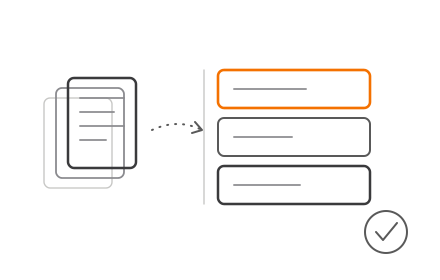
Salesforce implementation partner team reviewing business process workflow and CRM configuration

Partners also prevent common post-launch issues, including:

  • Duplicate or inconsistent data across objects
  • Broken automations triggered by configuration changes
  • Failed integrations with third-party systems

Frequently Asked Questions

What are the core business processes for Salesforce implementation?

The three primary process domains are sales (lead-to-close), service (case management), and marketing (lead nurturing). The correct starting set depends on which Salesforce products you're implementing—Sales Cloud, Service Cloud, or Marketing Cloud.

What are the stages of business process management (BPM) in a Salesforce implementation?

The five BPM stages are Design, Model, Execute, Monitor, and Optimize. These stages run iteratively, continuing well past go-live as the platform evolves alongside your business processes.

What are the four pillars of Salesforce implementation?

The four pillars are People, Process, Technology, and Data. Neglecting any one of them is a common cause of implementation failure, as each pillar supports the others.

Why does Salesforce implementation fail without process alignment?

Without process alignment, users find the CRM doesn't match how they work, leading to workarounds, poor data entry, and low adoption—leaving the system unable to reflect business reality and undermining reporting and decision-making.

How long does it take to align Salesforce with business processes?

Timelines vary by scope: a focused Sales Cloud alignment for an SME may take 6-12 weeks, while a multi-cloud enterprise alignment can take 6-12 months. The process discovery phase is the most demanding step, and also the most critical.

Do I need a Salesforce implementation partner to align the platform with my business processes?

While smaller implementations can be managed internally with a skilled admin, complex or industry-specific processes—especially in finance or operations-heavy environments—benefit from a partner with both Salesforce technical expertise and process design experience.