Salesforce CPQ to Revenue Cloud: The Migration, Step by Step
Written with AI assistance. Drafted and reviewed by Sahil Parvat, Salesforce Engineer.
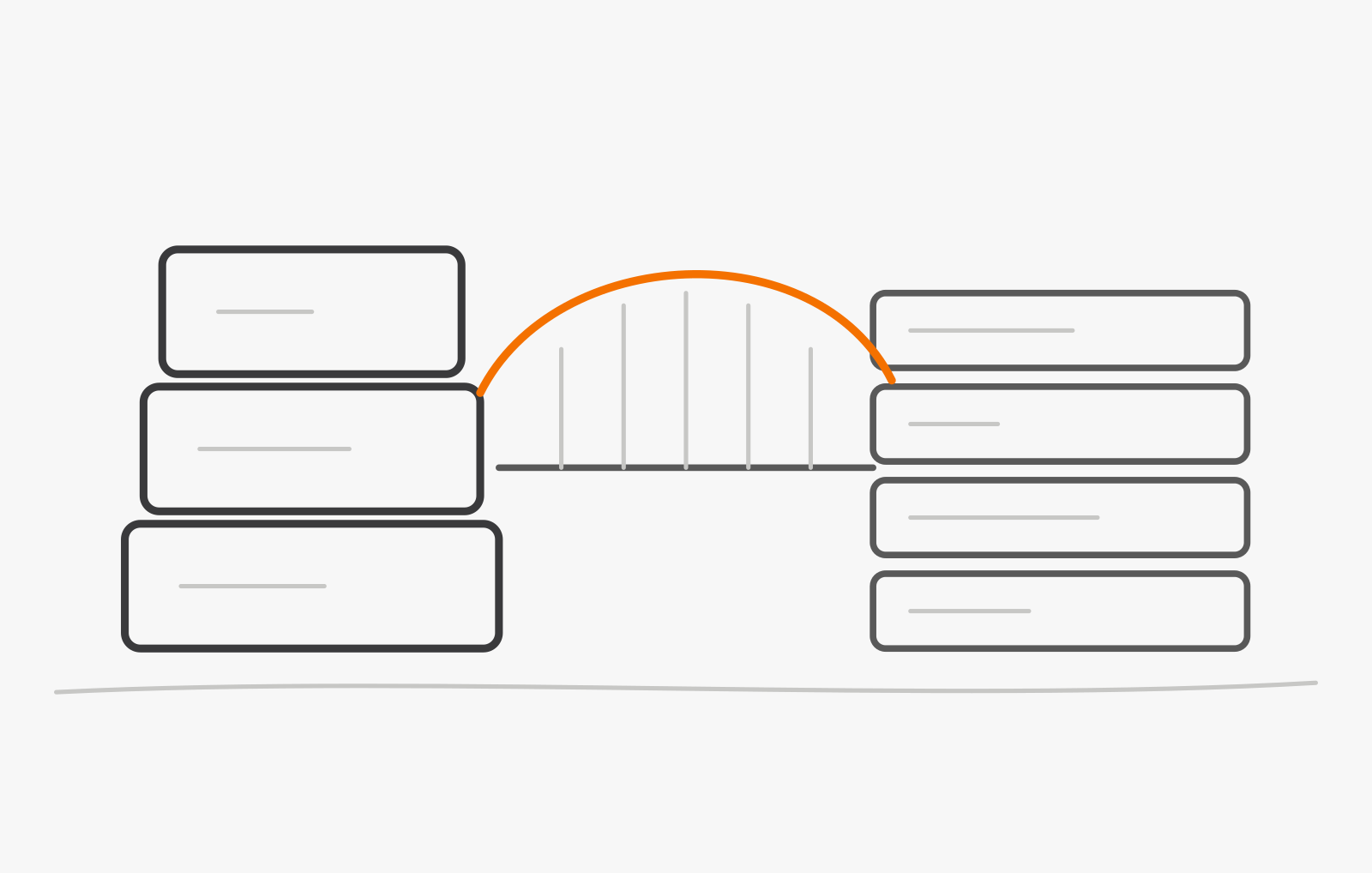
A Salesforce CPQ to Revenue Cloud migration is a data-model and process move, not a feature upgrade. Most of the effort sits in product and quote data, pricing logic, and the integrations around quoting, and most of the risk sits in cutover, not configuration. Salesforce's own migration guide tells teams to treat it as a redesign rather than a direct migration of existing configurations, and that matches what we see on CPQ projects. This guide is for teams that have already decided to migrate and want the method, phase by phase. If you have not decided yet, start with your Salesforce CPQ options, honestly, which covers whether and when to move.
We implement CPQ for clients and sell no licenses, so this is the method, not a sales argument for migrating. One note on names: Salesforce is partway through a rename. Its help documentation now calls the platform Revenue Management, Trailhead says Agentforce Revenue Management, and the product that succeeds CPQ is sold as Revenue Cloud Advanced. It is one destination; we say Revenue Cloud because most teams still do.
What is actually different between Salesforce CPQ and Revenue Cloud?
Almost everything underneath. Salesforce CPQ is a managed package; Revenue Cloud is native to the Salesforce Platform, with its own data model and configuration approach. These are the differences, from Salesforce's own comparison, that shape a migration:
- Products. CPQ is SKU-based, with bundles and an option hierarchy. Revenue Cloud is attribute-based and separates commercial products, what you sell, from technical products, what you fulfill.
- Pricing. CPQ's rules run in the browser, in sequence. Revenue Cloud prices on the server through pricing procedures, and shows each step of the calculation as a price waterfall.
- Contracted prices. CPQ keeps them in a ContractedPrices custom object. Revenue Cloud supports contract item prices on standard objects, plus account, partner, and channel pricing.
- Configuration. The quote line editor gives way to flows, a headless API, and a constraint rules engine written in Constraint Modeling Language.
- Contracts, orders, and billing. Contracts, order decomposition for fulfillment, and billing are native, where CPQ leaned on separate products such as the Salesforce Billing package.
- Customization. Quote calculator plug-ins and Apex give way to declarative pricing procedures, with Apex hooks before and after them for the cases that need code.
Conceptually, the nouns survive: you still have products, price books, quotes, orders, contracts, and assets. The logic does not. Price rules are redesigned as pricing procedures, configuration rules become constraints, quote calculator plug-ins and custom Apex are reimplemented in Revenue Cloud terms, quote templates are rebuilt, and reports built on CPQ objects are recreated on Revenue Cloud's standard objects. Plan each of those as design work, not data entry.
A short glossary of the Salesforce terms you will meet:
- Product Catalog Management: where catalogs, products, attributes, bundles, and product selling models are defined.
- Product selling model: how a product is sold, such as one-time, subscription, or consumption; one product can carry several.
- Product classification: the template that attributes are inherited through, which Salesforce's migration guide also calls a product class. CPQ attributes sit on products directly, so classifications are created during migration.
- Pricing procedure: the server-side sequence of pricing steps that replaces chains of price rules.
- Constraint Modeling Language: the language the constraint rules engine uses to validate large and complex configurations.
- Customer Asset Lifecycle Management: the model that active subscriptions and assets move into, so renewals and amendments keep working.
- Dynamic Revenue Orchestrator: the fulfillment orchestration that decomposes orders for downstream systems.
What do you inventory before you touch anything?
Everything quoting depends on, and how much of it is still used. The first deliverable of any CPQ to Revenue Cloud project should be an inventory table: one row per product line, rule, template, flow, and integration, with what it does, who owns it, whether anything still uses it, and a decision to keep, redesign, or retire it. Salesforce's own first phase asks the same questions and treats them as a gate, and it is right to: strategy comes after the inventory, not before.
- Products and bundles, with their attributes and options, and how many are actively quoted. Catalogs carry years of retired SKUs still marked active.
- Price rules and discount schedules, including the inactive ones. Every rule needs a business purpose or an archive decision.
- Quote calculator plug-ins and custom Apex. This is where unwritten pricing policy usually lives.
- Quote templates, with the conditions that select them and the fields each one prints.
- Approval flows, with their thresholds and who signs at each level.
- Contracted prices, subscriptions, and assets, active versus expired, because only active records carry renewals forward.
- Integrations that read or write CPQ objects: ERP, billing, tax, e-signature, and anything custom. Our CPQ integration guide covers the usual seams, and CPQ for manufacturers covers the MES and ERP cases.
- Reports and dashboards built on CPQ objects, which will all be rebuilt.
Write down the pain points too: slow quote calculation, spreadsheets that sit beside CPQ, manual steps after approval. Salesforce's guide makes them the project's success criteria, and warns that complex processes migrated as-is will remain equally complex in the new system. Start data cleanup in this phase as well, on duplicate and retired products, inconsistent attribute names, and orphaned quote lines, because it costs less now than in the middle of a migration.
What are the migration phases?
Seven, in a fixed order, and each one produces something you can check before the next one starts.
- Discovery and inventoryA signed-off inventory of products, rules, templates, and integrations
- Data model mappingA field-by-field map from CPQ objects to Revenue Cloud objects
- Pricing and rules rebuildPricing procedures and constraint rules that match a priced test pack
- IntegrationsERP, billing, and e-signature flows rebuilt and tested end to end
- Parallel runBoth systems quoting real deals, with every difference explained
- CutoverA go-live with rollback criteria, a freeze window, and reconciled data
- HypercareFast fixes, a short issue list, and a dated plan to retire CPQ
| Phase | What it produces | Who owns it | Common failure |
|---|---|---|---|
| Discovery and inventory | The inventory table, and pain points written as success criteria | Product or catalog owner, with the Salesforce admin | Inventorying what the documentation says instead of what the org does |
| Data model mapping | A field-level map, product classes, and product selling models | Solution architect | Mapping products before the commercial and technical split is agreed |
| Pricing and rules rebuild | Pricing procedures, constraint rules, and a priced quote pack | Revenue operations lead, with the architect | Porting every price rule, including the ones nothing uses |
| Integrations | ERP, billing, and e-signature flows rebuilt against the new objects | IT or integration architect | Testing integrations only after pricing is called done |
| Parallel run | The same real deals quoted in both systems, every difference explained | Sales operations, with finance | Waving through unexplained differences as rounding |
| Cutover | Migrated data, reconciliation evidence, and a go-live decision | Project lead and executive sponsor | Going live without written rollback criteria |
| Hypercare | An issue log, fast fixes, and a dated plan to retire CPQ | Salesforce admin and support | Ending heightened support the week after go-live |
Two sequencing rules hold inside the phases. Build the product catalog first, then pricing, then quoting, ordering, and contract processes; Salesforce's guidance is that product and pricing configuration must be completed before transactional data is migrated. And choose the strategy after the inventory, from the four Salesforce describes: a partial migration that rationalizes the catalog selectively, a full rationalization onto the attribute-based model, a greenfield build that keeps CPQ data only as a reference, or a lift-and-shift. Salesforce calls lift-and-shift technically viable but strongly recommends redesigning your processes instead, and we agree: copying CPQ's workarounds into a new platform buys the cost of a migration without its benefits.
Timelines come in bands, from a matter of months for a clean catalog with standard pricing to a multi-quarter program for heavy custom code, large subscription volumes, and several regions. Salesforce's guide says there is no set time frame, which is the right instinct: the inventory sets the timeline, not the other way round.
How do you migrate quotes, contracts, and history?
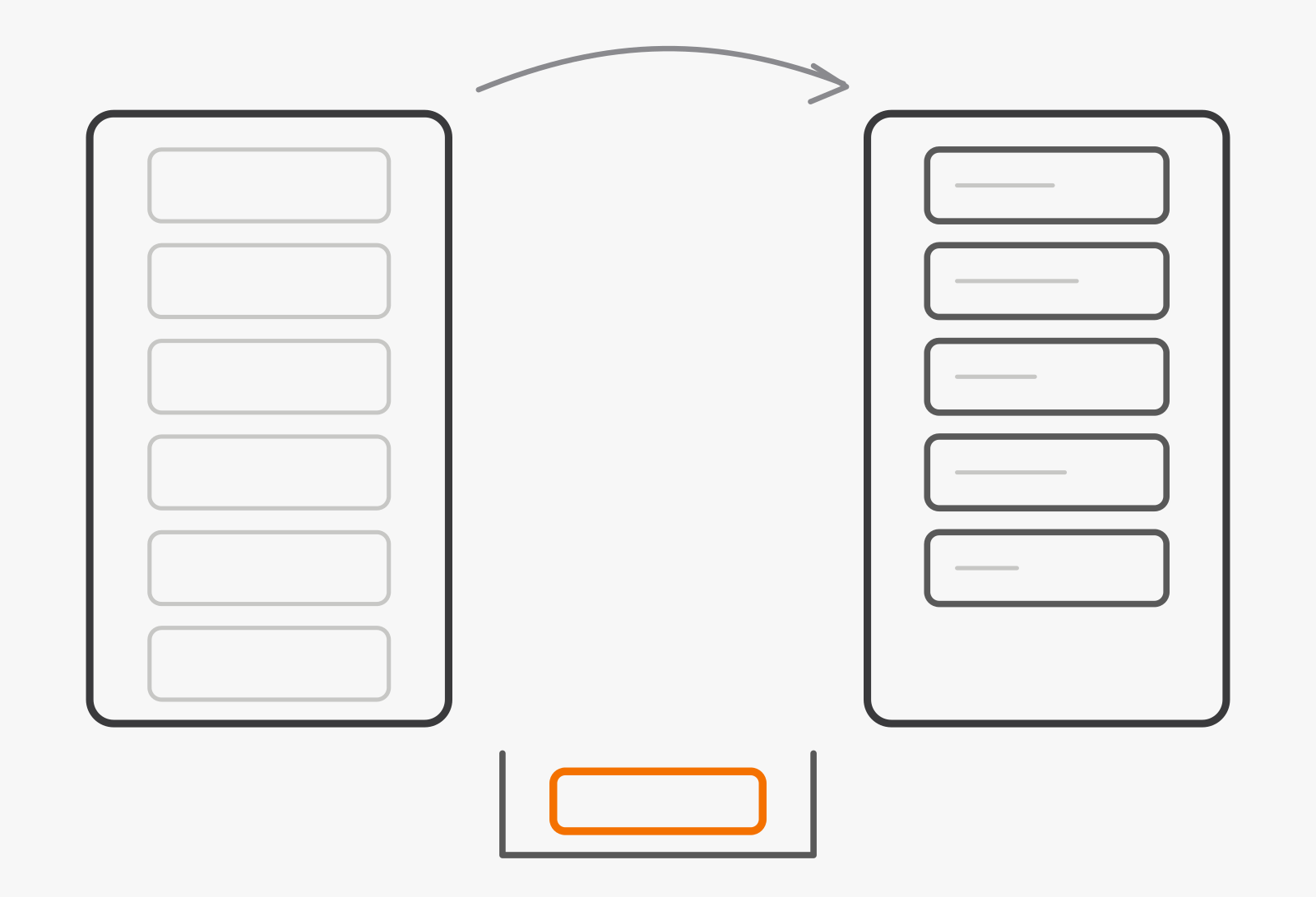
Selectively. More data is not better data, and Salesforce's own scoping guidance is a sound default: migrate the product catalog always, active subscriptions and assets almost always, and closed-won opportunities for reporting continuity, and leave expired subscriptions and closed-lost quotes behind. In-flight quotes are a decision of their own, covered in the next section.
The mechanics reward care in a few specific places, all documented by Salesforce:
- Product selling models first. The product selling model on a price book entry cannot be changed after the entry is created, so map selling models before you load prices.
- Product classes. CPQ attributes sit on products; Revenue Cloud inherits them through product classes, which you create by grouping products with identical attribute sets.
- App usage assignments. Revenue Cloud identifies its transactional records, such as quotes, orders, and assets, through App Usage Assignment records, and asset lifecycle operations fail without them.
- Cost book entries. Duplicate cost entries for the same currency, which CPQ tolerates, are rejected.
Run the migration iteratively in a full-copy sandbox: a representative sample first, then progressively larger loads, with reconciliation at every step for record counts, financial totals, and relationship integrity. Keep that evidence. It is what lets finance sign off, and it is the same discipline we describe for migrating a loan origination system without stopping lending: parallel evidence before trust.
How do you run in parallel and cut over without stopping sales?
By deciding, in writing, which system handles which deal, and by holding go-live to criteria rather than a date. The common pattern is a bridge: new business is quoted in Revenue Cloud while existing CPQ contracts stay in CPQ until renewal, amendment, or a planned migration cohort. Revenue Cloud can coexist with the Salesforce CPQ and Salesforce Billing packages in the same org when the right packages and licenses are in place, and Salesforce advises keeping at least one active CPQ license throughout the migration, in production and in every sandbox where Revenue Cloud is being built, so the team can always validate against or roll back to CPQ data. Confirm licensing with your account team before you plan around it.
During the parallel run, quote the same real deals in both systems and explain every difference before anyone calls it rounding. Then cut over when these hold:
- The curated quote pack prices the same in both systems, or every difference is explained.
- Record counts, financial totals, and relationships reconcile after the final load.
- ERP, billing, and e-signature integrations pass end-to-end smoke tests.
- Rollback criteria are written down, with one named person who can call it.
- The order freeze and the in-flight quote rule are agreed, and sales knows both.
- Hypercare cover and the escalation path are staffed for the first weeks.
Settle the in-flight quote rule before cutover. Salesforce's practical approach is to migrate only long-running strategic deals and have reps recreate the rest in Revenue Cloud after go-live, since active quotes carry validity periods and pricing snapshots that rarely reconcile mid-cycle. Then tell sales exactly what changes on the first morning: where to quote, what happens to an open quote, and who to call. Rollback thinking belongs here too. Write down what would trigger a rollback, who can call it, and whether it fits inside the maintenance window, and rehearse it in a sandbox at least once.
What goes wrong, and how do you prevent it?
The failures are predictable, which is the good news. These are the five we plan against on every CPQ project:
- Pricing logic nobody fully documented. The rule set grew over years and its authors have moved on. Audit every price rule, archive what nothing enforces, and prove the rebuild against a priced pack of real quotes.
- Custom code that quietly ran the business. Quote calculator plug-ins hold policy that never made it into a requirements document, and Salesforce notes that their logic is invisible in pricing output. Map each one to its business purpose before redesigning it.
- Integrations tested too late. Migration tools do not move integrations, so ERP, billing, and e-signature flows need their own design and test plan from the first phase, not after pricing is done.
- Templates recreated from screenshots. Rebuild from the template definitions and selection rules in your inventory, and check early that each layout fits Document Builder's quote line items table, whose fields cannot be customized.
- Users trained on the old mental model. Revenue Cloud asks for, in Salesforce's words, new mental models, not just UI familiarity. Run workshops on real deals well before go-live, not a demo the week before.
When should you not migrate yet?
When the timing works against you, and saying so is part of an honest plan:
- CPQ still does the job and your contract lets you wait. CPQ is end of sale, not end of life, so a planned start next year can beat a rushed one now.
- You are partway through an ERP migration. Moving quoting and its system of record at the same time doubles the integration risk. Finish one first.
- The quoting process itself needs redesign. If the business model is changing, fix the process first or take the greenfield path, rather than migrating a process you are about to replace.
- Nobody owns the catalog. Without a product owner with decision rights and an executive sponsor, the project stalls at the first trade-off.
If you are still deciding between Revenue Cloud and a different CPQ entirely, our CPQ software comparison lays out the field.
Are you ready to start?
You are ready when you can tick these off:
- A named executive sponsor and a catalog owner with decision rights.
- An inventory table with a keep, redesign, or retire decision on every row.
- Pain points written down as success criteria.
- A strategy chosen after the inventory, not before it.
- Licensing confirmed with your account team, including CPQ licenses kept through the migration.
- A curated quote pack that will prove pricing at every stage.
If you want that inventory built with you, or a second opinion on a plan you already have, talk to our Salesforce team. Our Salesforce development and CPQ implementation pages explain how we work, and our CPQ requirements checklist is a good way to write down what the new system has to do before anyone configures it.
Salesforce, Salesforce CPQ, Revenue Cloud, Revenue Cloud Advanced, and Agentforce are trademarks of Salesforce, Inc. This article is independent commentary for informational purposes; product names are used only to identify the products discussed.
Sources, all Salesforce, as of October 17, 2026: Migrate to Revenue Management and its pages on key differences from CPQ, phase 1 readiness, migration strategies, data migration scope, cutover planning, migration tools, operational planning, and common issues (Salesforce Help); Salesforce CPQ end of sale, not end of life (July 10, 2026); the Trailhead units Maintain Your CPQ Administrator Certification for Spring '26 and Get to Know Agentforce Revenue Management; Build Your Product Catalog in Revenue Management; and Create a Quote Template with Document Builder. Names and capabilities change between releases; confirm details with your Salesforce account team.
FAQ
How long does a CPQ to Revenue Cloud migration take?
Can we keep Salesforce CPQ for now?
Do our quote templates carry over?
What happens to in-flight quotes during cutover?
How this article was written: see our editorial policy.