Ecommerce PWA: How Brands Can Benefit from Progressive Web Apps Mobile commerce isn't a trend to watch — it's already the dominant channel. According to EMARKETER, global retail mcommerce reached nearly $4.5 trillion in 2024, accounting for 69.9% of total retail ecommerce sales. Yet most ecommerce brands are still serving that majority audience with experiences that feel slow, clunky, and app-hostile.

The problem isn't that brands don't know mobile matters. It's that the two traditional solutions — native apps and responsive websites — both come with significant trade-offs. Native apps are expensive and fragmented. Responsive sites are accessible but limited in capability.

Progressive Web Apps sit precisely in the gap between them. They're web-based, universally accessible, and capable of delivering the kind of performance and engagement features that were previously exclusive to native apps. Despite that, they remain underutilised by most ecommerce brands.

This article breaks down exactly what PWAs do, why they produce measurable commercial results, and what it costs brands — in performance, conversions, and competitive position — to ignore them.


TL;DR

  • A PWA is a web application that behaves like a native app — fast loads, offline mode, push notifications, home screen install — with no app store required.
  • Google and Deloitte research confirms that a 0.1-second speed improvement increases retail conversions by 8.4% — PWAs deliver this directly.
  • AliExpress saw a 104% increase in conversion rate for new users after deploying a PWA — Alibaba followed with a 76% lift in total conversions.
  • One codebase covers all devices and browsers, removing the cost of separate iOS and Android builds.
  • Brands skipping PWA are delivering a slower, friction-heavy experience to their largest traffic segment — mobile users.

What Is a PWA in Ecommerce?

A Progressive Web App is a storefront built with standard web technologies — HTML, CSS, JavaScript — that delivers a native app experience without requiring installation from an app store. Shoppers access it through a browser, but it loads instantly, works offline, and can be saved directly to the home screen.

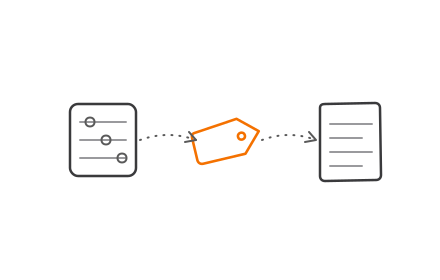
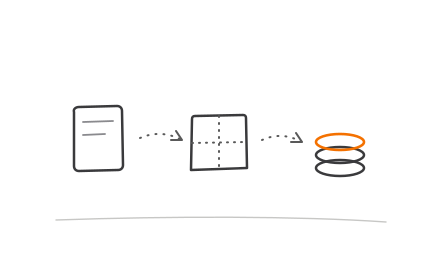
Three technical components make this possible:

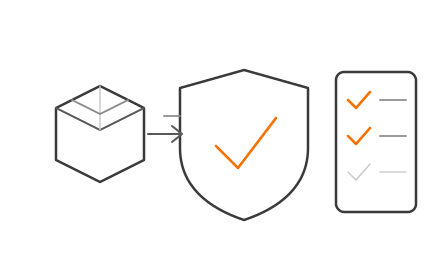
  • HTTPS — a secure connection required for PWA features to activate
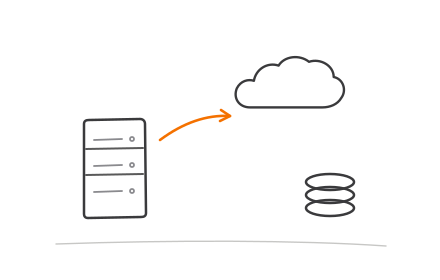
  • Service worker — a background script that handles caching, offline access, and push notifications; this is what lets your store load in under a second on a repeat visit, even on a weak connection
  • Web app manifest — a configuration file that tells the browser how to display and launch the app, including the icon, name, and full-screen behaviour

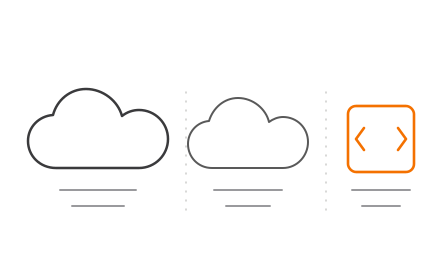
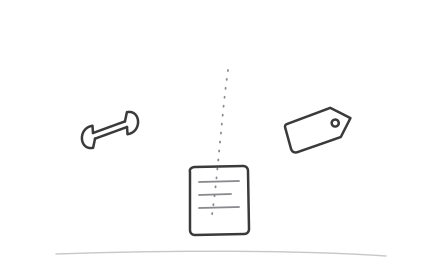
Three core PWA technical components HTTPS service worker and web app manifest diagram

The practical framing matters here. A PWA is not a platform migration or a complete redesign. It's a layer of capability added to your web presence. Your URL structure stays intact, your SEO is preserved, and customers get app-quality features without downloading a thing.

For ecommerce specifically, the install barrier is a real conversion killer. App store friction — finding the app, waiting for the download, granting permissions — eliminates a large share of potential users before they ever browse a product. A PWA sidesteps the entire process.


Key Benefits of Ecommerce PWAs

The advantages below are tied to operational and commercial outcomes — not abstract technical wins. Each maps directly to KPIs ecommerce teams actively monitor.

Near-Instant Load Speed and Reliable Performance

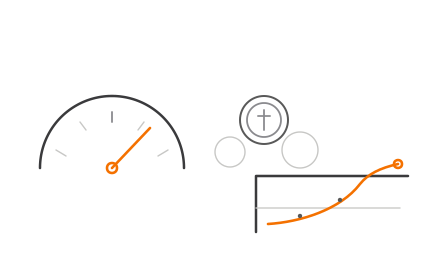
PWAs use service workers to pre-cache key assets — product images, JavaScript, CSS — so pages load almost instantly on repeat visits. Instead of fetching everything from the server on each request, the browser retrieves pre-stored content from the device. The result is significantly reduced load times, particularly on slow or unstable connections.

The business cost of ignoring this is quantified. Google's mobile speed research found that 53% of mobile site visitors abandon a page that takes longer than 3 seconds to load. That's more than half your mobile traffic — gone before a single product is seen. Lancôme's PWA achieved an 84% decrease in time-to-interactive after switching, with a Lighthouse performance score of 94/100.

Speed also compounds into purchase behaviour. A 0.1-second improvement in mobile load time increased retail conversions by 8.4% and average order value by 9.2%, according to Deloitte's Milliseconds Make Millions research. Faster pages produce longer dwell times, lower bounce rates, and more product pages visited per session — all of which increase purchase probability.

KPIs directly impacted:

  • Page load time (LCP, FID, CLS — Core Web Vitals)
  • Mobile bounce rate
  • Pages per session
  • Mobile session duration

When this matters most: Brands with high mobile traffic shares, customers in markets with inconsistent connectivity (Southeast Asia, India), or businesses running high-traffic campaigns where performance drops cause measurable revenue loss.

Higher Conversion Rates Through Better Mobile UX

Responsive websites are accessible on mobile, but they lack the features that convert browsers into buyers. PWAs close that gap by offering full-screen navigation, home screen installation, and — critically — push notifications. Once a shopper installs a PWA to their home screen, the store is one tap away, bypassing the entire browser-URL friction loop.

After deploying PWAs, AliExpress reported a 104% increase in conversion rate for new users and an 82% lift in iOS conversions. Alibaba saw a 76% increase in total conversions across browsers. Jumia recorded a 33% conversion rate increase and a 50% reduction in bounce rate.

Two drivers explain these gains consistently: reduced friction in the purchase journey, and re-engagement through push notifications.

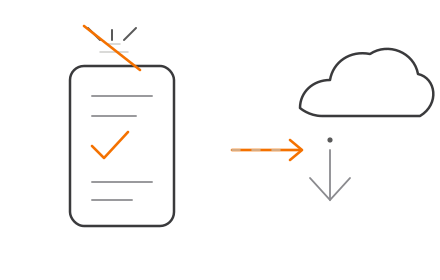
Push is the re-engagement channel most ecommerce brands underuse when relying solely on email. Lancôme's PWA push notifications achieved an 18% open rate, with 8% of users who tapped completing a purchase. Beyond the Rack saw a 20% click-through rate on push and a 50% increase in repeat visits within 3 months.

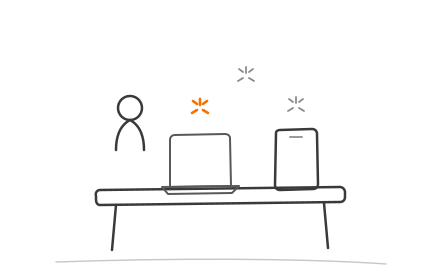
PWA push notification performance stats AliExpress Alibaba Lancôme Beyond the Rack comparison

Platform support is now broad. On Android, push has been available for years. On iOS, Apple added Web Push support for Home Screen web apps in iOS/iPadOS 16.4 — users must install the PWA to their home screen first, but the capability is in place.

KPIs directly impacted:

  • Mobile conversion rate
  • Cart abandonment rate
  • Repeat visit rate
  • Push notification CTR
  • Revenue per mobile visitor

When this matters most: Brands with high mobile traffic but low mobile conversion (a classic UX friction signal), those running frequent flash sales or promotions, and fashion, beauty, or consumer goods brands where heavy browsing behaviour needs to convert more efficiently.

Lower Development and Maintenance Costs

Maintaining separate iOS and Android native apps alongside a website means three codebases, three sets of developer expertise, and two sets of app store review cycles. A PWA eliminates this duplication. One web codebase works across all browsers and devices — updates ship instantly without waiting on App Store or Play Store approval.

App store commissions are also worth factoring in. Apple charges 30% on digital goods and services (15% for eligible small businesses under the App Store Small Business Program). Google Play charges 15% on the first $1 million in annual developer earnings. For ecommerce brands selling digital goods or subscriptions, these fees are a direct cost that PWA sidesteps entirely. For physical goods retailers, the relevance is lower — but the saved development overhead and faster deployment cycle still represent a meaningful operational advantage.

Cost estimates from agency sources (which should be treated as directional ranges, not benchmarks) place basic PWA builds in the USD $8,000–$25,000 range and advanced implementations at USD $25,000–$80,000+. The more relevant comparison is total cost of ownership against dual native apps, which adds up across every update cycle, bug fix, and platform compatibility issue.

KPIs directly impacted:

  • Development cost
  • Time-to-market for updates
  • App maintenance overhead
  • Total cost of mobile channel ownership

When this matters most: Startups and SMEs with constrained dev budgets, brands targeting global or multi-device audiences, and businesses that ship frequent product or content updates and can't afford approval bottlenecks.


PWA vs Native App vs Responsive Website

Feature Responsive Website Ecommerce PWA Native App
Offline capability No Yes (service worker) Yes (if built in)
Home screen install No Yes Yes (via app store)
SEO indexable Yes Yes No
Push notifications Limited Yes (Android fully; iOS 16.4+) Yes
Single codebase Yes Yes No (iOS + Android)
App store required No No Yes
Development cost Low Medium High
Update speed Instant Instant Days (app store review)

The one area where native apps genuinely outperform PWAs: deep hardware integration — Bluetooth, NFC, advanced camera APIs. For most ecommerce use cases (browsing, checkout, order tracking, notifications), this gap is irrelevant.

Apple's historical limitations on PWA support are worth acknowledging honestly. Safari has lagged behind Chrome in implementing PWA features, and while iOS/iPadOS 16.4 introduced Web Push for installed Home Screen web apps, some constraints remain. The gap has narrowed considerably, but Android still offers the more complete PWA experience.

For most ecommerce brands — particularly those without an established native app user base — PWA delivers a better return on investment than native app development. The combination of lower cost, broader compatibility, and no app store dependency makes it the practical default for most teams.


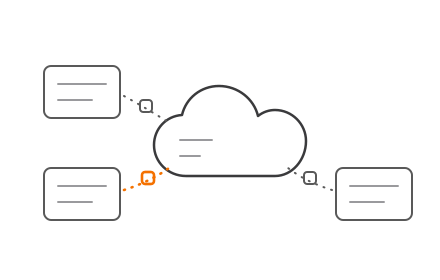
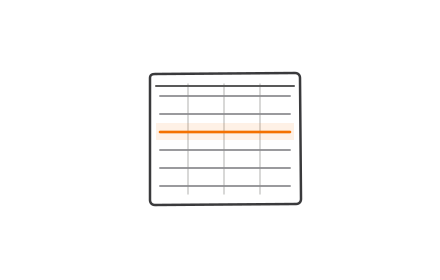
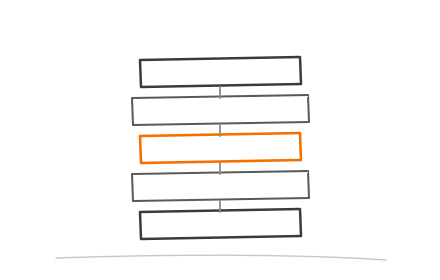
PWA versus native app versus responsive website feature comparison chart for ecommerce

What Happens When Brands Ignore PWA

A slow mobile site doesn't just lose individual transactions. It compounds losses across every channel: paid media spend lands on experiences that fail to convert, email campaigns drive traffic to sessions that bounce, and repeat customers face more friction than they're willing to tolerate.

The consequences stack up fast:

  • Erodes ad spend ROI — 53% of visitors leave before a page loads, so no amount of targeting precision recovers that wasted budget
  • Raises re-engagement costs — email and SMS carry higher marginal costs per touchpoint; push notifications reach installed users at near-zero variable cost
  • Suppresses repeat purchase rates — friction on return visits drives customers away, making every new acquisition more expensive to justify
  • Hands ground to competitors — brands that deploy PWA capture the same mobile audience with a measurably better experience, turning the conversion gap into a structural disadvantage

The brands most exposed are those with high mobile traffic shares and a persistent gap between visits and conversions. For most ecommerce businesses, that gap is costing more than they realize — and it widens every quarter a competitor closes it first.


How to Get the Most Value from Your Ecommerce PWA

A PWA produces its full impact only when three conditions are consistently met after launch.

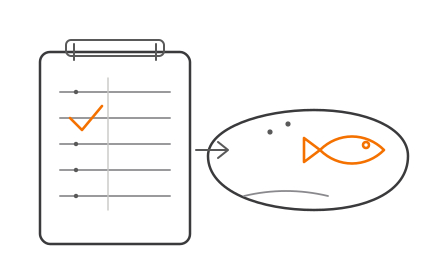
1. Track performance continuously. Core Web Vitals (LCP, FID, CLS) should be monitored on an ongoing basis, not just at launch. A PWA that scores well at go-live can degrade as new content, third-party scripts, or backend changes accumulate. Set baseline benchmarks and alert thresholds from day one.

2. Match features to your audience's actual behaviour. A fashion brand with browse-heavy sessions should prioritise offline catalogue access and home screen installation. A brand running weekly flash sales gets disproportionate value from push notification campaigns. The same PWA infrastructure supports both use cases — but only if the features are deliberately configured and tested for the specific context.

3. Maintain clean SEO fundamentals throughout. PWAs are web-based and fully crawlable, but JavaScript rendering introduces risk during implementation. URL structure, canonical tags, structured data, and metadata must be preserved and actively maintained. A PWA migration that disrupts URL architecture or renders content uncrawlable will destroy organic rankings regardless of how well it performs for logged-in users.

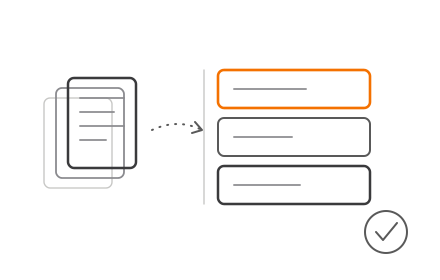
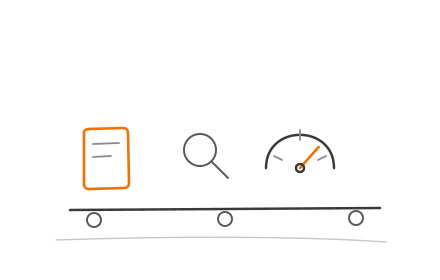
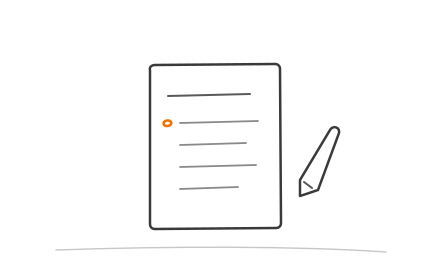
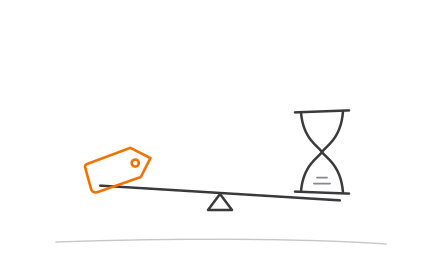
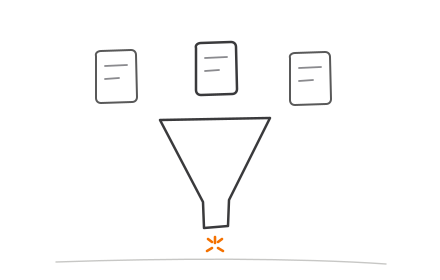
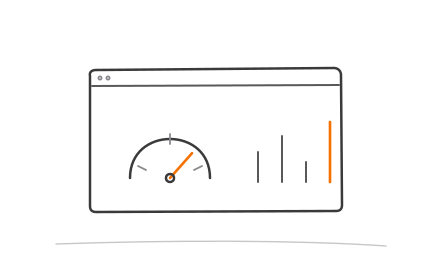
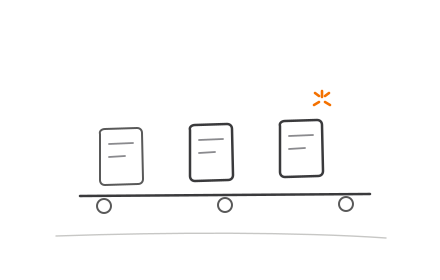
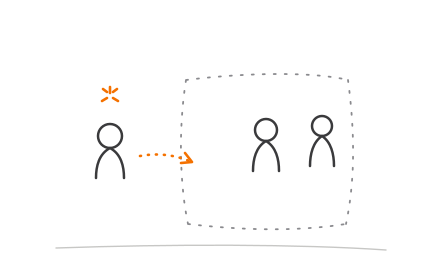
Three post-launch PWA success conditions performance tracking UX and SEO maintenance workflow

None of these three conditions resolve at launch. Treating a PWA as an ongoing investment means returning to each one repeatedly:

  • Testing and iterating push notification strategies based on open and conversion rates
  • Identifying UX friction points from session data as new features ship
  • Enforcing performance budgets as the codebase evolves

Brands building or migrating to a PWA storefront need a partner who understands both the frontend experience layer and the backend integration requirements. Codiot covers this end-to-end — from PWA architecture and UI/UX design to checkout systems, inventory platforms, and order management integration — so startups, SMEs, and enterprises can implement without coordinating multiple vendors.


Conclusion

PWAs directly address three problems ecommerce brands are already losing revenue on: slow mobile load times, underperforming mobile conversion rates, and the overhead of maintaining separate native app codebases. The technology is proven and deployable today.

The evidence isn't speculative. AliExpress doubled new-user conversion rates. Lancôme recovered cart revenue through push. Blibli achieved 8x mobile conversion improvement. These outcomes follow from the same mechanics: faster loads, lower friction, and direct re-engagement channels that don't depend on paid media algorithms.

What those case studies share is a pattern beyond the initial build. The brands seeing compound returns treat PWA as a live product — continuously measuring, testing push strategies, and iterating on UX. A well-built PWA is a starting point; the gains accumulate through how it's operated.

Frequently Asked Questions

What is PWA in ecommerce?

A PWA (Progressive Web App) in ecommerce is a web-based storefront that delivers a native app-like experience — fast load speeds, offline browsing, push notifications, and home screen installation — without requiring users to download anything from an app store. It runs in the browser but behaves like an app.

Is a PWA better than a native app for ecommerce?

For most ecommerce use cases, PWA offers better ROI than a native app. It works across all devices from a single codebase, requires no app store approval, and delivers comparable functionality at significantly lower development and maintenance cost. Native apps may still be preferable for storefronts requiring deep hardware integration (Bluetooth, NFC, advanced camera).

How much does it cost to build an ecommerce PWA?

Costs vary by complexity and integrations. Agency estimates place basic builds in the ₹6,70,000–₹20,80,000 range, advanced implementations at ₹20,80,000–₹66,50,000, and enterprise-grade builds at ₹66,50,000+. These are directional ranges, not market averages. PWA is typically significantly cheaper than building and maintaining separate iOS and Android native apps.

What are the limitations of PWA for ecommerce?

The main limitations are Apple's historically restricted PWA support on iOS (improving since iOS 16.4 but still behind Android), limited access to certain device hardware features, and the fact that a well-implemented PWA still requires meaningful development investment — it demands real development effort for complex storefronts with multiple backend integrations.

Does PWA improve SEO for ecommerce websites?

Yes — PWAs are web-based and fully crawlable by search engines, unlike native apps. They use standard URLs, support structured data, and can be indexed and linked normally. However, SEO must be actively maintained during implementation; JavaScript rendering and URL changes during migration are common risks that can hurt existing rankings if not managed carefully.

How long does it take to develop an ecommerce PWA?

Development timelines depend on store complexity and integrations. Simpler builds typically take 2–4 months; advanced implementations with custom UX and multiple third-party integrations generally run 4–8 months. Enterprise-grade builds with complex backend requirements can extend to 8+ months. These are agency planning estimates, not fixed benchmarks.